UniFi vs Eero vs Google Nest WiFi: Which Mesh System is Right for You?
A detailed comparison of the three most popular mesh WiFi systems. I break down performance, ease of setup, advanced features, and which one makes sense for different home sizes and technical skill levels.

Choosing a mesh WiFi system can be overwhelming. There are dozens of options, and they all claim to offer "whole-home coverage" and "blazing fast speeds." But the reality is that these systems are designed for different users with different needs.
I've tested UniFi, Eero, and Google Nest WiFi extensively. Here's my honest breakdown of each system and who they're best suited for.
Quick Comparison
Before we dive deep, here's the TL;DR:
- UniFi — Best for tech enthusiasts who want maximum control and don't mind complexity
- Eero — Best balance of simplicity and features for most homes
- Google Nest WiFi — Best for Google Home users who want a simple, integrated solution
UniFi (Ubiquiti)
Overview
UniFi is the prosumer choice. It's what you'd find in small businesses and the homes of networking enthusiasts. The hardware is excellent, the software is incredibly deep, and the control you get is unmatched.

Pros
- Incredible control — VLANs, traffic management, detailed analytics, firewall rules
- No subscription fees — All features are free forever
- Professional-grade hardware — Built to last, excellent range
- Local management — Everything runs on your network, no cloud dependency
- Expandable — Add access points, switches, cameras, all in one ecosystem
Cons
- Steep learning curve — This is not plug-and-play
- Requires a controller — Need a Cloud Key, Dream Machine, or self-hosted controller
- Overkill for most homes — 90% of features won't be used by average users
- Higher upfront cost — Dream Machine + APs adds up quickly
Best For
Tech enthusiasts, home lab users, anyone who wants VLANs for IoT isolation, small businesses, and people who never want to pay subscription fees.
Eero (Amazon)
Overview
Eero pioneered the consumer mesh WiFi market and remains one of the best options for most homes. It's dead simple to set up, works reliably, and has just enough advanced features without being overwhelming.

Pros
- Incredibly easy setup — App-guided, takes 10 minutes
- Reliable performance — Just works, rarely needs attention
- Good app — Clean interface, easy to manage devices
- HomeKit support — Works as a HomeKit router for extra security
- Eero Plus — Optional subscription adds ad blocking, VPN, password manager
Cons
- Limited advanced features — No VLANs, basic QoS
- Subscription for extras — Ad blocking requires Eero Plus ($10/month)
- Amazon ownership — Privacy concerns for some users
- No web interface — App-only management
Best For
Most families, people who want something that "just works," Apple HomeKit users, and anyone who values simplicity over control.
Google Nest WiFi
Overview
Google Nest WiFi (now in its Pro version) combines mesh networking with Google Assistant smart speakers. If you're already in the Google ecosystem, it's a natural fit.

Pros
- Beautiful hardware — The points double as smart speakers
- Google Home integration — Seamless with Google Assistant ecosystem
- Simple app — Very easy to use
- Priority device feature — Boost bandwidth to specific devices
- WiFi 6E support — Latest Nest WiFi Pro supports 6 GHz band
Cons
- Very limited features — Even less control than Eero
- No Ethernet backhaul on older models — Wireless only (Pro has Ethernet)
- Google privacy concerns — Your network data goes to Google
- Speaker quality is mediocre — Not as good as standalone Nest speakers
Best For
Google Home users, people who want mesh points that double as speakers, and users who prioritize aesthetics and simplicity.
Performance Comparison
In my testing across a 2,500 sq ft home:
- Coverage: UniFi > Eero > Google Nest (UniFi APs are just more powerful)
- Speed: All three saturated my 3 Gbps connection near the router. At range, UniFi maintained higher speeds.
- Latency: UniFi had the lowest latency, important for gaming
- Reliability: All three were stable over months of testing
Which Should You Choose?
Choose UniFi if:
- You want VLANs for IoT device isolation
- You never want to pay subscription fees
- You enjoy networking and want to learn
- You plan to expand with cameras, switches, etc.
Choose Eero if:
- You want the best balance of simplicity and features
- You're an Apple HomeKit user
- You want reliable WiFi without thinking about it
- You have a medium-sized home (1,500-3,000 sq ft)
Choose Google Nest WiFi if:
- You're heavily invested in Google Home
- You want mesh points that are also speakers
- Aesthetics matter to you
- You want the absolute simplest setup
My Setup
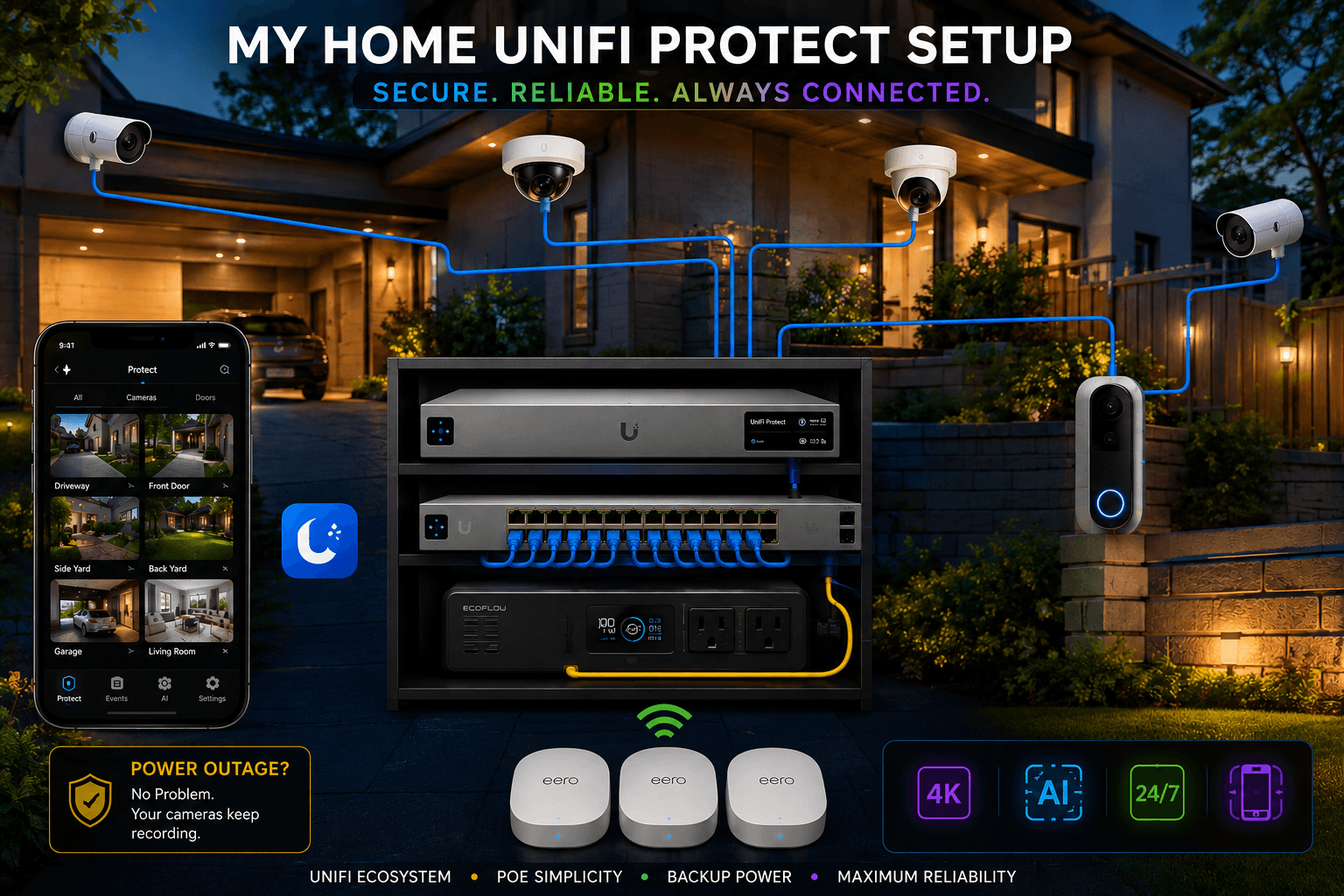
I personally use Eero Max 7's because I did not want VLANs for my IoT devices or any such advanced features.
There's no wrong choice here — it depends on your priorities. If you're reading a blog about networking, you might be a UniFi person. If you just want WiFi to work, Eero is probably your best bet.
Related Reading
- For tips on measuring your WiFi coverage, check out my WiFiman guide
- If you go with UniFi and want to isolate IoT devices, read my VLAN setup guide
- For wired backhaul between mesh nodes, consider MoCA adapters